
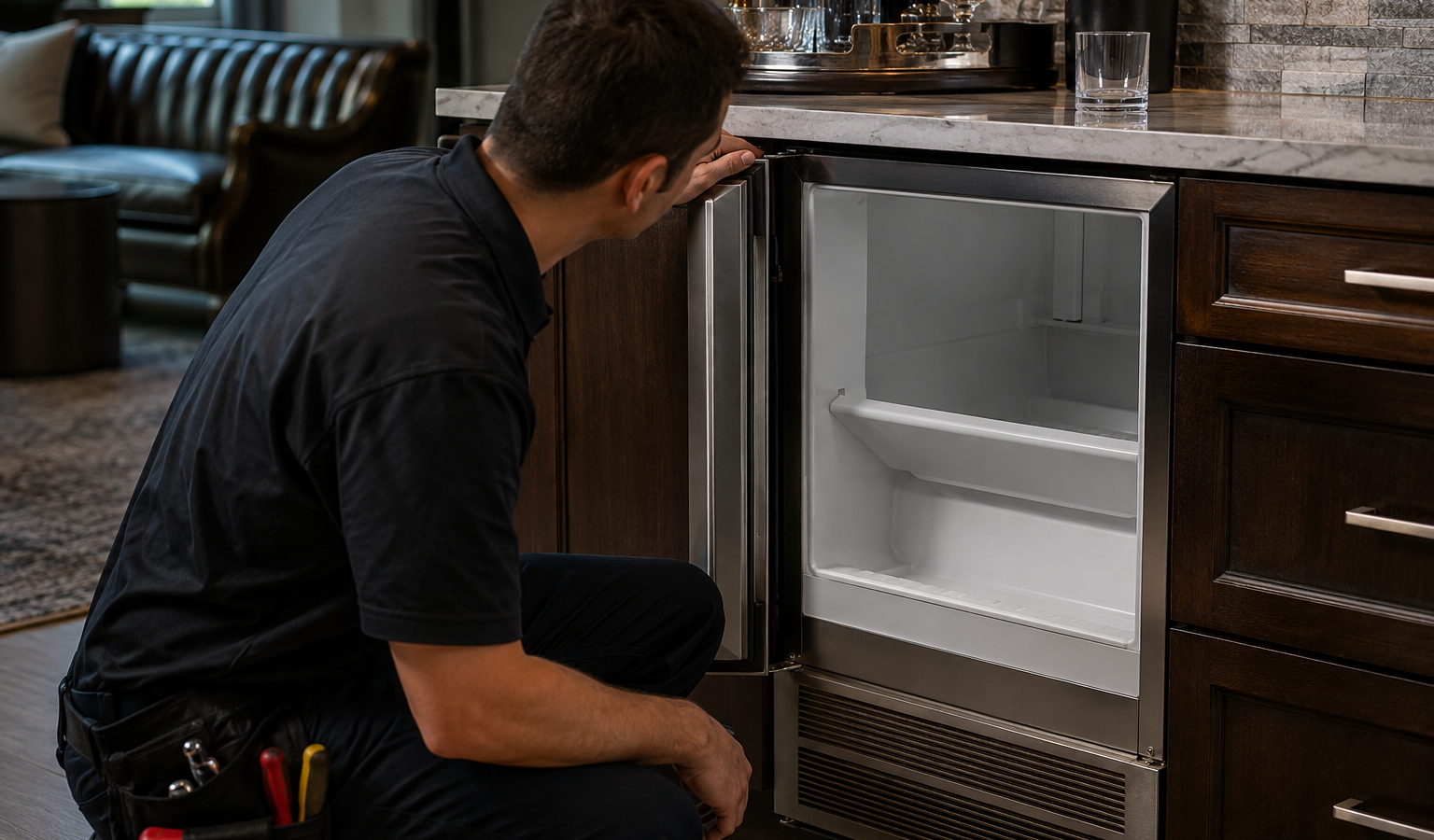
U-Line Nugget Ice Maker Not Producing Nugget Ice: Water, Drain, Auger, or Refrigeration?
Nugget ice production depends on water level, drainage, evaporator freezing, auger and extrusion hardware, sensors, and controls. U-Line verified RNP115 and URNP115 data also include specific Er-series diagnostics for…

When a nugget machine stops making nuggets, the cause tends to fall into one of three groups: a sensor or door alert that has paused production, water that is not reaching or leaving the reservoir, or a cleaning and water-quality problem. Check the bin, the door and the display first; if ice does not resume after that, book a visit rather than forcing the machine through repeated cycles.
Nugget ice production depends on water level, drainage, evaporator freezing, auger and extrusion hardware, sensors, and controls.
Step 1 — Confirm the Condition
Confirm normal water supply.
Step 2 — Compare a Related Stage or Function
Check whether the machine attempts to drain and fill.
Step 3 — Make One Safe External Check
Record the exact Er-code or abnormal noise before reset.
Is a nugget machine that stops making ice always broken?
A nugget machine is built to make ice until its bin sensor reads full, then wait and start again as the ice melts. A bin that looks only half full to you can still be reading as satisfied if ice is packed against the sensor. The use-and-care guide for one U-Line nugget model also describes a door alert: if the door stays open for a long stretch, ice production stops and a tone sounds every minute, and closing the door lets ice resume once the bin sensor is no longer satisfied.
Both situations look like a failure but need no repair. Loosen the ice in the bin, close the door firmly, and watch whether the machine picks up again before assuming a hardware problem.
U-Line-Specific Context
U-Line products use compact, front-vented and undercounter-oriented refrigeration architecture. Exact model, installation type, water/drain configuration, and controller generation matter before technical information is applied. Ice machines add water level, drain, cleaning, refrigeration, pump/auger/harvest, and sensor stages that should be evaluated in sequence.
What Each Symptom Can Point To
| Symptom | What it can point to | What you can check |
|---|---|---|
| No nuggets, bin looks full or packed | Bin sensor satisfied | Break up the ice, then watch for production to resume as ice melts |
| No nuggets after the door was left open | Door alert paused production | Close the door fully and see whether production resumes |
| Water-level code such as E11 or E12 | Water level high or low in the reservoir (one nugget model’s guide) | Note the code, confirm the supply valve is open, and avoid repeated resets |
| Standing water in the bin | Restricted drain hose, debris, a failed drain pump or a dump valve problem | Look for a kinked or pinched visible drain hose only |
| Ice is soft, thin or low in volume with a clean reminder | Cleaning is due or water is starving the machine | Compare against the cleaning schedule in your own guide |
| Water leaking near the auger area | Poor water quality or missed cleaning | Stop the machine and check the water supply setup |
When Service Testing Makes Sense
If production does not resume, exact-model service should follow the water, drain, refrigeration, auger, and control sequence rather than generic ice-maker advice.
Does tap water affect a nugget ice machine?
Nugget machines are sensitive to what comes out of the tap. The guide for one U-Line nugget model sets limits on dissolved solids and hardness, says the machine must not be fed softened water, and calls for an inline filter when the water is above a stated level. It also notes that a TDS meter ships with the unit, so the check is one you can do yourself.
A machine on unsuitable water can build scale, show poor ice quality and eventually refuse to make ice. Cleaning helps, but it does not fix a supply that is wrong for the model. A CL message on that guide is a clean alert, and ice production continues while it is shown, so treat it as a reminder rather than the reason ice stopped.
Record the exact model and code or message before resetting. The same raw U-Line code can differ by generation or controller platform.
What to Record Before Service
Write down the complete U-Line model number, product family, indoor/outdoor and panel-ready status, exact symptom, measured temperature where relevant, ice-production stage where relevant, water/drain behavior, and any E-code, Er-code, flashing LED, cleaning reminder, door message, or communication warning before reset.
Good observations reduce repeated owner checks and let the technician choose a focused test path. A cabinet that is warm after a large load, an ice machine that fills but does not harvest, and an ice machine that never receives water are three different diagnostic starting points.
Installation and Access Context
Leave undercounter, panel-ready, drawer, or outdoor U-Line products installed unless the service team specifically requests access. Moving a unit can disturb cabinetry, flooring, front-ventilation clearances, water lines, drains, or electrical connections.
For condos, high-rises, outdoor kitchens, and custom bars, include loading, elevator, shutoff, drainage, and clearance details when booking.
Common Mistakes to Avoid
Do not clear a useful code before recording it. Do not use a commercial-controller meaning for a residential appliance because the letters look the same. Do not treat a cleaning reminder or steady-status light as a hardware fault.
One controlled owner-level check is useful when it answers a question. Repeated resets, disassembly, or aggressive cleaning can remove evidence or create a second problem.
Frequently Asked Questions
Does a CL message mean the nugget ice maker is broken?
On the guide for one U-Line nugget model, CL is a clean alert and ice production continues while it shows. It signals maintenance, so check the cleaning schedule rather than assuming a part has failed.
Why did my nugget ice maker stop after the door was left open?
One U-Line nugget model’s guide describes a door alert that halts ice production when the door stays open too long. Closing the door lets the machine resume if the bin sensor is not already satisfied.
Can softened water cause nugget ice problems?
The guide for one U-Line nugget model says the machine must not be supplied with softened water and sets limits on dissolved solids. Check your own model’s guide, and have the water professional test it if the numbers look high.
Related U-Line Reading
- For adjacent symptoms, read U-Line Ice Machine Repair Cost: Water, Drain, Refrigeration, or Harvest? and Why Is My U-Line Ice Maker Leaking Water? Stop the Leak Before Repeating the Cycle.
Similar Articles
- U-Line Ice Machine Drain Blocked: When Standing Water Becomes a Stop-Use Condition
- U-Line Ice Machine Repair Cost: Water, Drain, Refrigeration, or Harvest?
- Why Is My U-Line Ice Maker Leaking Water? Stop the Leak Before Repeating the Cycle
- U-Line Ice Machine Drain Blocked: When Standing Water Becomes a Stop-Use Condition

Turn this guide into a clear on-site diagnosis
FAQ
Booking & service questions
Use one normal model-approved restart when appropriate and record any code or message first. If the symptom returns, repeated resets are not a repair.
No. The technical source preserves model and control-platform applicability because the same raw code can differ by generation.
Do not perform live electrical, internal pump/control, or sealed-refrigeration work. Leave tightly fitted units installed unless safe access is planned.
U-Line has multiple residential generations, ice-machine architectures, dual-zone products, and separate commercial controllers. Exact model identity prevents the wrong diagnostic path.
Keep reading
More from the guides
U-Line Clear Ice Machine Producing Cloudy Ice: Water Quality, Cleaning, or Circulation?
Cloudy ice can reflect water quality, scale, cleaning condition, circulation, or freeze and harvest performance. Visual quality is useful evidence but should be compared with production rate and…
U-Line Ice Maker Making Too Little Ice: Production Rate, Water, Temperature, or Scale?
Low ice production is different from no ice. The machine may be filling and freezing but losing efficiency because of water conditions, cleaning or scale, temperature, ventilation, drainage,…
Why Does My U-Line Ice Maker Make Strange Noises?
Clicks, pump sounds, water flow, fan noise, and harvest sounds can be normal at certain stages, while grinding, repeated stalled-motor noise, rattling, or new loud vibration may point…
Turn this guide into a clear on-site diagnosis
Book a repair
Tell us what’s wrong — we’ll take it from there
Share a few details and we’ll confirm an appointment. Prefer to talk? Call us and we’ll help right away.
Phone
(844) 706-1091
Hours
Mon–Sat: 8:00 AM – 7:00 PM
Service area
Serving Miami, New York, Houston, Los Angeles and San Diego metro areas.
Response time
Response time varies by location and service availability.
Request your repair
Fill in the form below and we’ll confirm an appointment.