
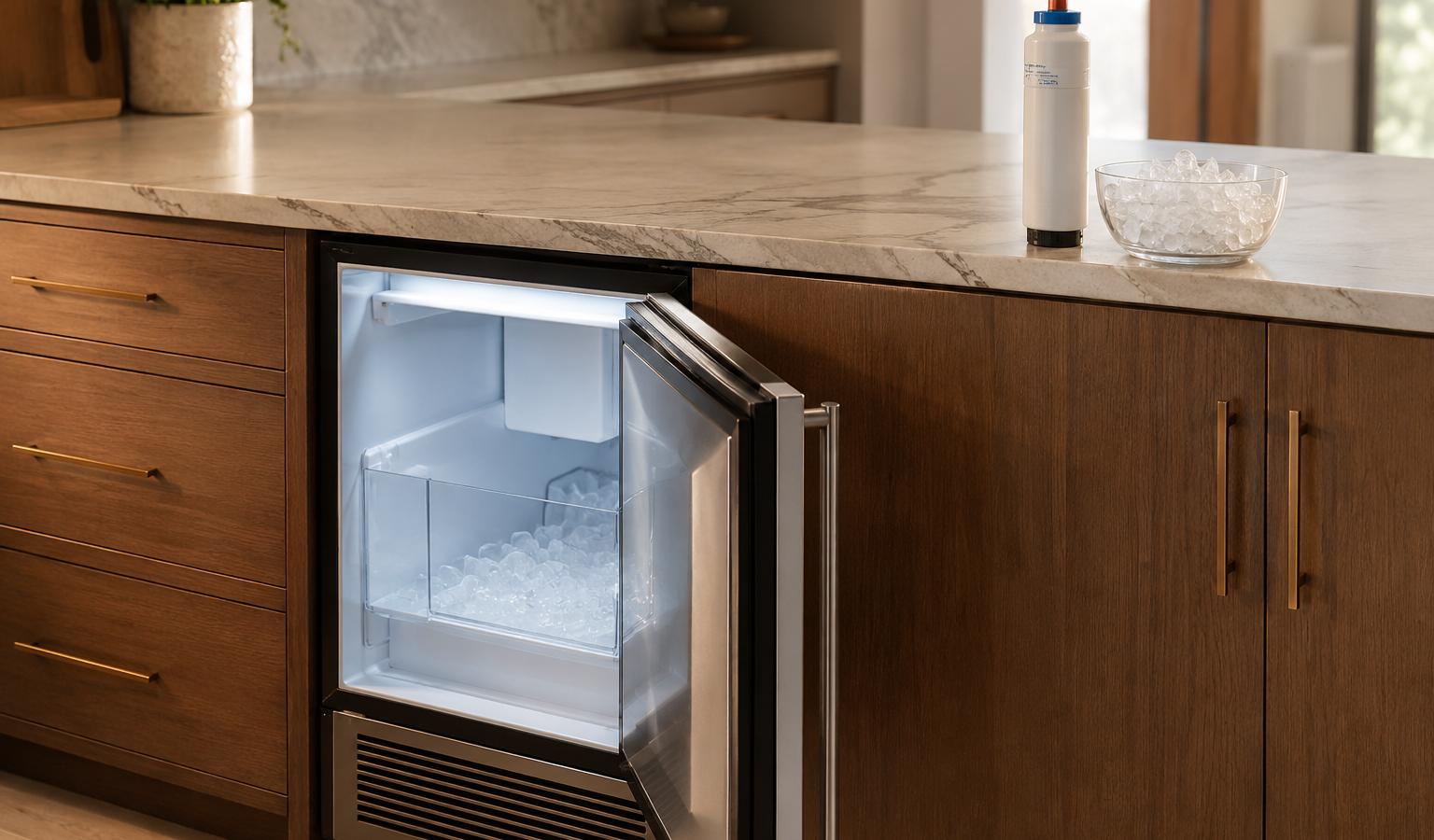
U-Line Appliance Not Turning On: Power and Control Troubleshooting Without Unsafe Testing
A dead U-Line control can come from household power, a switch or door state, wiring, a power or control board, or a protective condition. Repeated breaker cycling and internal live testing are not owner-level…

A U-Line appliance that will not turn on most often comes down to whether it is receiving power or is simply in a mode that darkens the display. Confirm the outlet or breaker condition from the outside, rule out Sabbath mode, and stop there: anything beyond that, including voltage testing or opening the cabinet, belongs to service.
A dead U-Line control can come from household power, a switch or door state, wiring, a power or control board, or a protective condition. Repeated breaker cycling and internal live testing are not owner-level diagnostics.
Safe External Checks
- Check the normal household breaker or outlet condition if safely accessible.
- Record whether any display, light, or fan responds.
- Use one normal model-approved restart only after documenting the symptom.
| Symptom | What it can point to | What you can safely check |
|---|---|---|
| Display and light dark, unit not cooling | No power at the outlet, a cord problem, or a control fault | Check that the plug is seated and the household breaker is on |
| Display dark but cabinet is cold | Sabbath mode, which darkens display, light, and alarms | Read your model’s guide for how Sabbath mode is turned off |
| Display and light on, no compressor or fan | A display-only showroom mode or a cooling fault | Check the guide for a showroom setting |
| Display dark on a wine or beverage model | A display cable or control issue, or Sabbath mode | Rule out Sabbath mode, then report the symptom |
U-Line-Specific Context
U-Line products use compact, front-vented and undercounter-oriented refrigeration architecture. Exact model, installation type, water/drain configuration, and controller generation matter before technical information is applied. Ice machines add water level, drain, cleaning, refrigeration, pump/auger/harvest, and sensor stages that should be evaluated in sequence.
Does a dark display mean the unit is dead?
Not always. The manual says to check the power first, and a cooling unit in Sabbath mode can also show a dark display.
The use-and-care manual for one U-Line refrigerator says a dead display and light should first be checked against whether power is connected, and that a unit that is still cooling may simply be in Sabbath mode. That mode keeps temperature control active while the display, light, and alarms go dark, so a cold cabinet with a blank panel is a different problem from a warm one.
The service guide for one dual-zone model puts Sabbath mode first on its power-fault flow chart, before any voltage or component checks. Its own display troubleshooting lists Sabbath mode ahead of a display cable that is unplugged or damaged. That order is a useful guide for what to rule out first from the outside.
Safety Boundary
If the breaker trips again, there is electrical odor, or the control remains dead, keep the unit off and arrange service.
Stop normal operation for smoke, sparking, burning electrical odor, repeated breaker or GFCI trips, water contacting electrical connections, or uncontrolled warming that threatens food safety. Do not perform live electrical or sealed-refrigeration work as a homeowner.
What kind of outlet and circuit does a U-Line unit need?
One U-Line guide describes a grounded, polarized supply on an individual branch circuit, with no extension cord. If the unit is on a shared circuit or an extension cord, mention that when you book; do not rearrange wiring yourself. The same guide says ground-fault protection is usually not required and not recommended because of nuisance tripping, and tells owners to check local codes, so a tripping GFCI on a built-in unit is worth reporting rather than just resetting.
A clear-ice guide says a blank display means no electrical supply, and its first step is to plug the unit in and check the breaker. A nugget-ice guide documents unplugging for five seconds and plugging back in, and treats a missing beep from the main board as the cue for service. These are single, documented steps rather than a repeating routine.
What to Record Before Service
Write down the complete U-Line model number, product family, indoor/outdoor and panel-ready status, exact symptom, measured temperature where relevant, ice-production stage where relevant, water/drain behavior, and any E-code, Er-code, flashing LED, cleaning reminder, door message, or communication warning before reset.
Good observations reduce repeated owner checks and let the technician choose a focused test path. A cabinet that is warm after a large load, an ice machine that fills but does not harvest, and an ice machine that never receives water are three different diagnostic starting points.
Error-Code and Platform Context
Installation and Access Context
Leave undercounter, panel-ready, drawer, or outdoor U-Line products installed unless the service team specifically requests access. Moving a unit can disturb cabinetry, flooring, front-ventilation clearances, water lines, drains, or electrical connections.
For condos, high-rises, outdoor kitchens, and custom bars, include loading, elevator, shutoff, drainage, and clearance details when booking.
Common Mistakes to Avoid
Do not clear a useful code before recording it. Do not use a commercial-controller meaning for a residential appliance because the letters look the same. Do not treat a cleaning reminder or steady-status light as a hardware fault.
One controlled owner-level check is useful when it answers a question. Repeated resets, disassembly, or aggressive cleaning can remove evidence or create a second problem.
Not Turning On Questions
Why is my U-Line display blank but the unit is cold?
It may be in Sabbath mode, which keeps cooling active while the display, light, and alarms go dark. Check your model’s guide for how to leave that mode.
Should I keep resetting the breaker?
No. A single check that the breaker is on is reasonable, but a breaker that trips again means the unit should stay off and be looked at.
Can a door problem stop the unit from turning on?
A service flow chart for one model includes the door reed switch among the items to check after power. That is a service-level test, so report the symptom and what the door was doing.
Related U-Line Reading
- For adjacent symptoms, read Repair or Replace a U-Line Appliance? Compare the Installed System and How to Extend the Life of Your U-Line Refrigerator, Wine Cooler, or Ice Maker.
Similar Articles
- Why Is My U-Line Ice Maker Leaking Water? Stop the Leak Before Repeating the Cycle
- Repair or Replace a U-Line Appliance? Compare the Installed System
- How to Extend the Life of Your U-Line Refrigerator, Wine Cooler, or Ice Maker
- Why Is My U-Line Ice Maker Leaking Water? Stop the Leak Before Repeating the Cycle

Turn this guide into a clear on-site diagnosis
FAQ
Frequently asked questions
Use one normal model-approved restart when appropriate and record any code or message first. If the symptom returns, repeated resets are not a repair.
No. The technical source preserves model and control-platform applicability because the same raw code can differ by generation.
Do not perform live electrical, internal pump/control, or sealed-refrigeration work. Leave tightly fitted units installed unless safe access is planned.
U-Line has multiple residential generations, ice-machine architectures, dual-zone products, and separate commercial controllers. Exact model identity prevents the wrong diagnostic path.
Keep reading
More from the guides
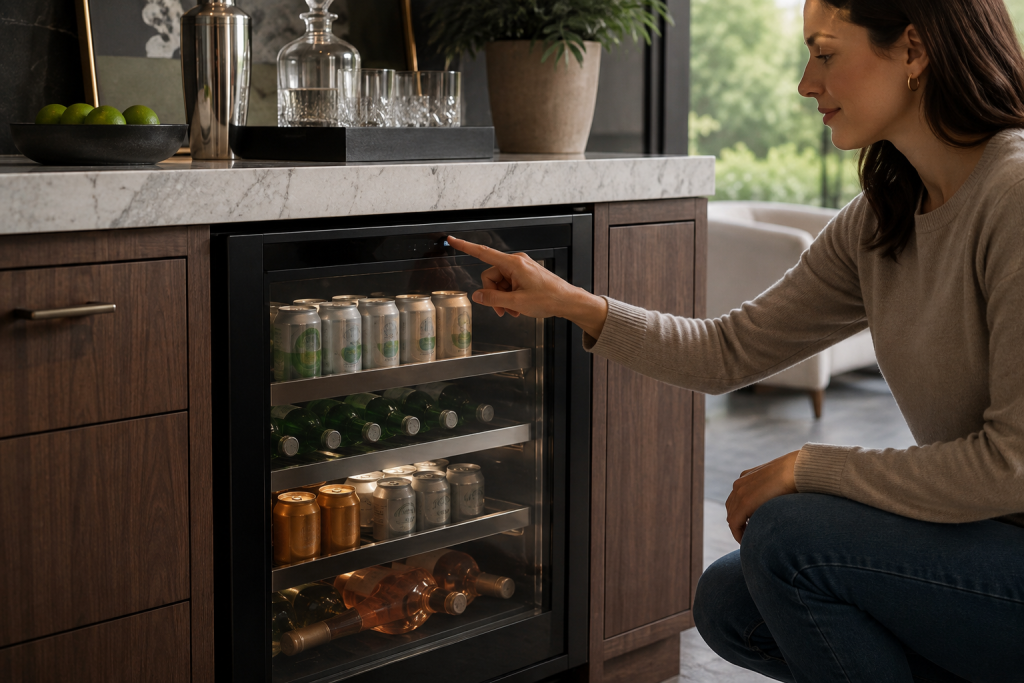
U-Line Outdoor Refrigerator Electrical Safety: Water, GFCI Trips, and Stop Conditions
Outdoor-rated refrigeration still depends on a safe electrical installation. Standing water, repeated GFCI or breaker trips, damaged connections, or electrical odor require more caution than a normal cooling…
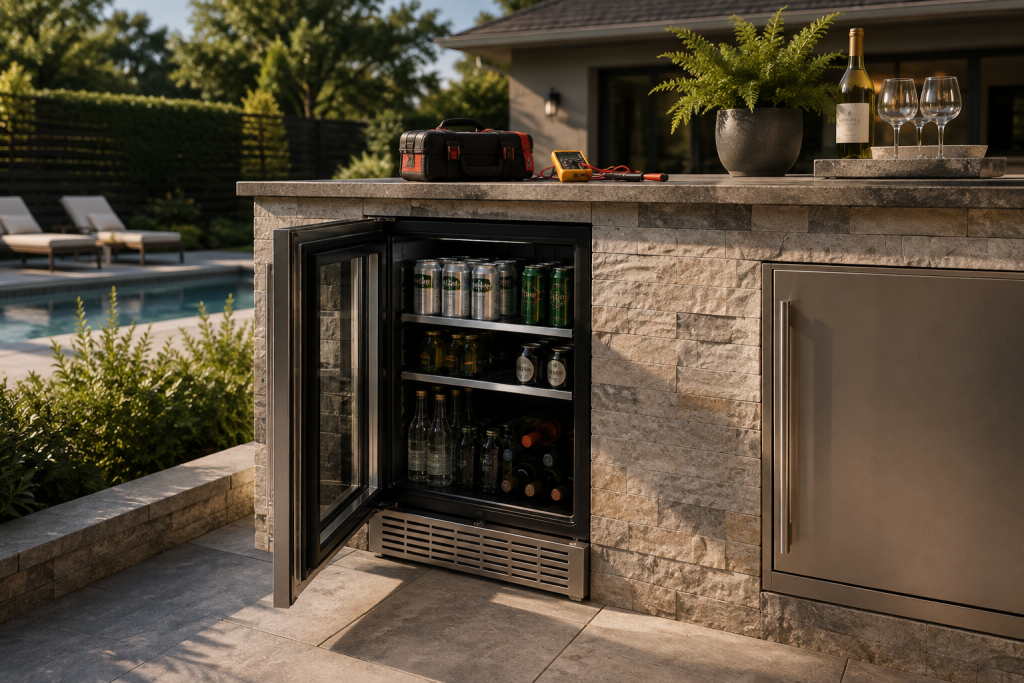
U-Line Refrigerator Compressor Problems: Warning Signs and the Safety Boundary
A refrigerator that clicks, becomes unusually hot, trips a breaker, or cannot cool may have a compressor or start-system problem or another refrigeration or electrical fault. Owner diagnosis…
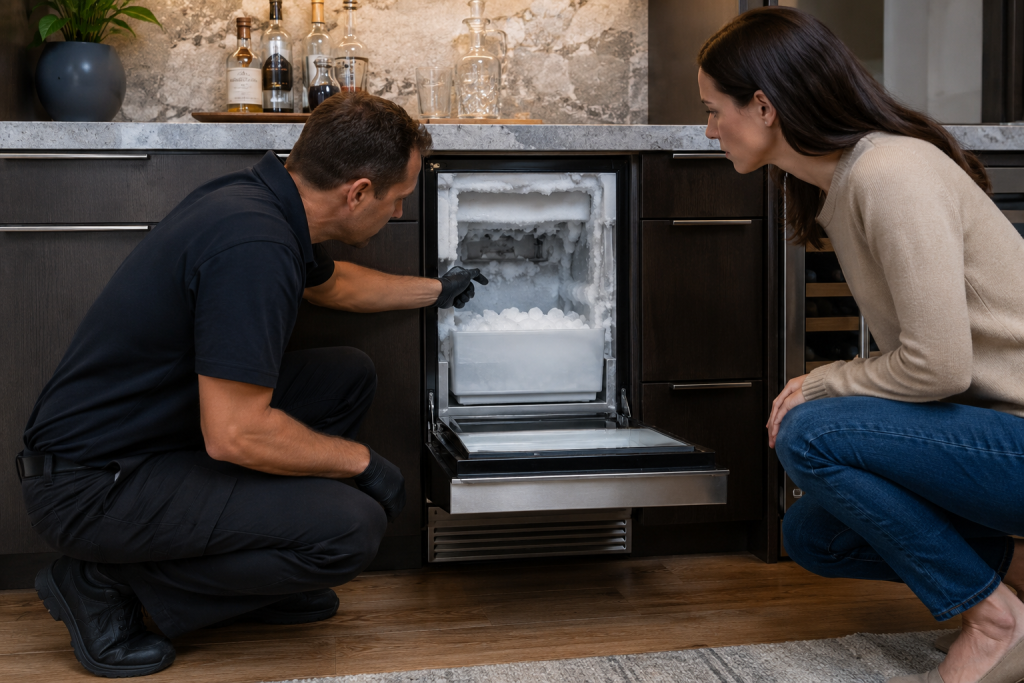
U-Line Ice Machine Drain Blocked: When Standing Water Becomes a Stop-Use Condition
A blocked drain can back water into the machine or cabinetry. U-Line technical records include drain-blocked and pump or drain conditions on applicable residential platforms, so repeated operation…
Turn this guide into a clear on-site diagnosis
Book a repair
Tell us what’s wrong — we’ll take it from there
Share a few details and we’ll confirm an appointment. Prefer to talk? Call us and we’ll help right away.
Phone
(844) 706-1091
Hours
Mon–Sat: 8:00 AM – 7:00 PM
Service area
Serving Miami, New York, Houston, Los Angeles and San Diego metro areas.
Response time
Response time varies by location and service availability.
Request your repair
Fill in the form below and we’ll confirm an appointment.